How to Register an RK Elite Account in 5 Easy Steps
What You Need Before Starting
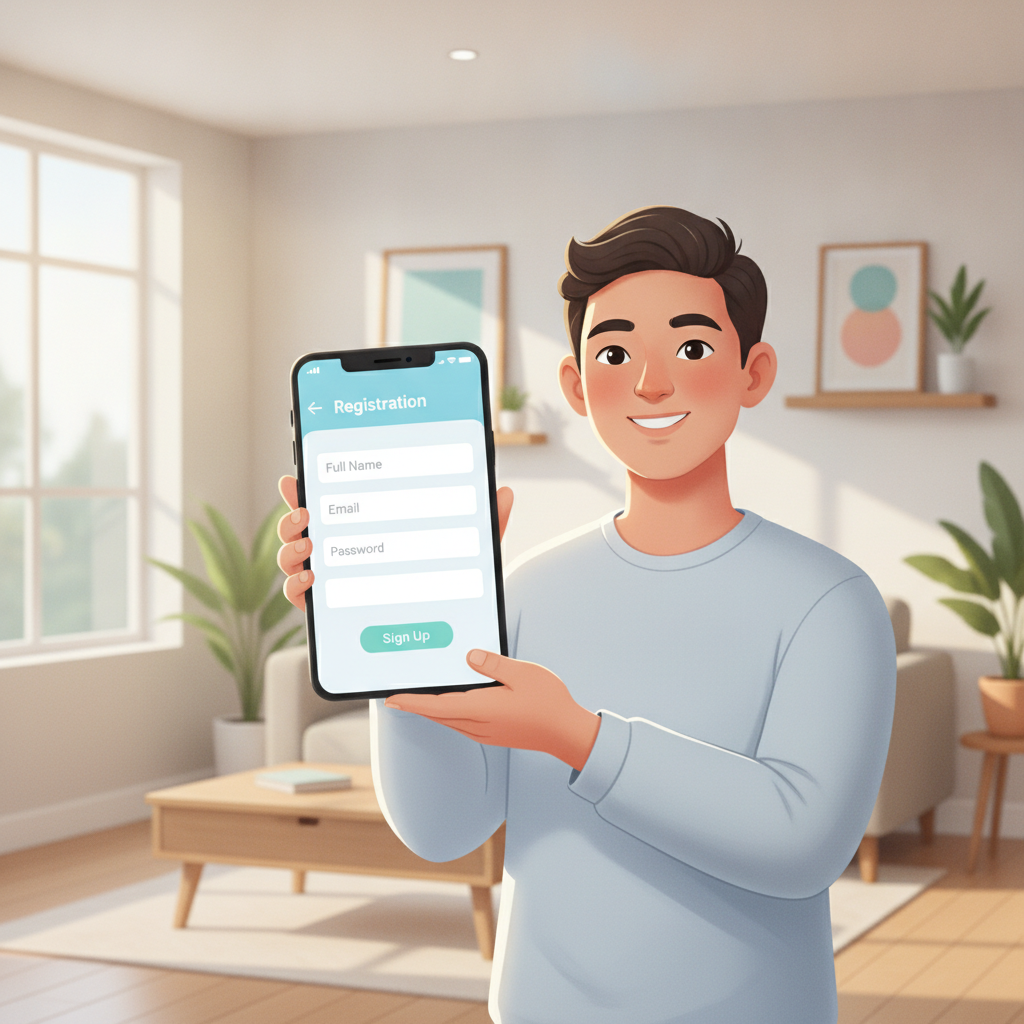
Before you open the RK Elite registration page, gather three things: a valid government-issued ID, an active Philippine mobile number, and a working email address. The platform asks for these to verify your identity and confirm you meet the 21-and-over age requirement.
Accepted IDs include your driver's license, passport, UMID, postal ID, or any government ID that shows your full name, date of birth, and photo. Make sure the details on your ID match exactly what you'll type into the registration form—middle names, hyphens, and spacing all matter.
Your mobile number should be registered in your name and able to receive SMS. RK Elite sends a one-time PIN (OTP) to this number during sign-up. Your email must be active because the platform will send an account-verification link after you submit the form.
Have your GCash, Maya, or bank account ready as well. While you don't need to deposit during registration, linking a payment method right after sign-up makes your first deposit faster.
Step-by-Step Walkthrough of the RK Elite Registration Form
Step 1: Open the RK Elite homepage
Visit the official RK Elite site on your mobile browser or desktop. Look for the "Register" or "Sign Up" button, usually placed at the top-right corner of the homepage. Tap it to load the registration form.
Do not use links from unofficial sources, social-media groups, or third-party blogs that claim to offer "exclusive sign-up bonuses." Always type the URL directly or use a bookmark to avoid phishing sites.
Step 2: Fill in your personal information
The form asks for:
- Full name (first name, middle name, last name)
- Date of birth (day, month, year)
- Gender
- Nationality (select "Filipino" or your citizenship)
- Mobile number (start with +63, then your 10-digit number without the leading zero)
- Email address
Type your legal name exactly as it appears on your ID. If your driver's license says "Juan P. Dela Cruz," write that—not "Juan Dela Cruz" or "JP Dela Cruz." Mismatches will delay or block account verification later.
For your birthdate, double-check the day and month. A common mistake is selecting the wrong format (MM/DD/YYYY versus DD/MM/YYYY). RK Elite automatically rejects registrations from users under 21 years old.
Step 3: Create your username and password
Pick a unique username. It can't be changed later, so choose something you'll remember. Avoid using your real name or mobile number as your username for security reasons.
Your password must meet minimum-strength rules: at least eight characters, with a mix of uppercase, lowercase, numbers, and symbols. Write it down in a secure place or save it in a password manager—you'll need it every time you log in.
Step 4: Enter your address and currency
Provide your current residential address in the Philippines. This includes street or barangay, city or municipality, and province. The platform may ask for your ZIP code as well.
Select Philippine Peso (PHP) as your account currency. Once set, you cannot change it, so confirm this before moving to the next screen.
Step 5: Agree to terms and submit
Tick the checkbox to confirm you are at least 21 years old and that you accept the platform's terms and conditions and privacy policy. Read the responsible-gambling statement if shown.
Tap "Submit" or "Register." The platform will validate your entries. If any field contains an error—such as an invalid email format or a phone number that's too short—you'll see an on-screen message. Fix the errors and resubmit.
Common Mistakes to Avoid When Filling Out Personal Details
Typing your name with nicknames or abbreviations. Use your full legal name as it appears on your ID. "Ben" instead of "Benigno" or "Kat" instead of "Katrina" will cause ID-verification failures.
Using someone else's phone number or email. RK Elite ties your account to your contact details. If you lose access to that phone or email, account recovery becomes difficult. Always use your own.
Entering the wrong birthdate. Even a one-day difference can trigger a mismatch when you upload your ID later. Check the date, month, and year carefully.
Choosing a weak or reused password. Don't use "password123" or the same password you use for GCash or Facebook. A strong, unique password protects your account and your funds.
Forgetting to save your username. Unlike your email or phone number, your username isn't easy to retrieve if you forget it. Write it down immediately after registration.
Skipping the terms-and-conditions checkbox. The form won't submit unless you tick this box. Make sure you understand that the platform is for entertainment, that you meet the age requirement, and that you accept responsible-gambling guidelines.
What Happens After You Submit
Email verification
Within a few minutes of submitting your registration, you'll receive an email from RK Elite at the address you provided. The subject line will say something like "Verify Your RK Elite Account" or "Activate Your Account."
Open the email and click the verification link. This usually opens a browser page confirming your email is valid. If you don't see the email in your inbox, check your spam or junk folder. Mark it as "Not Spam" so future emails arrive in your inbox.
The verification link expires after a set period—often 24 or 48 hours. If it expires, log in to your RK Elite account and request a new verification email from your account dashboard.
Mobile-number confirmation
Some platforms also send an SMS with a one-time PIN to your registered mobile number. Enter this code on the confirmation screen to verify your phone.
If the SMS doesn't arrive within five minutes, check that you entered your number in the correct format (+639XXXXXXXXX). You can also request the code to be resent once or twice.
Account activation
Once both your email and phone number are confirmed, your RK Elite account moves to "Active" status. You can now log in using your username and password.
At this point, the platform may prompt you to upload a photo or scan of your valid ID and a selfie for identity verification. This step is required before you make your first withdrawal, and some players complete it right after sign-up to avoid delays later.
Upload a clear, well-lit image. All four corners of the ID should be visible, and text must be readable. Blurry photos or images with glare will be rejected, and you'll need to resubmit.
Verification usually takes a few hours to one business day. You'll receive an email or SMS once it's approved. Until then, you can browse games, check odds, and explore the platform, but depositing and playing may be restricted depending on RK Elite's current policies.
Responsible Gambling Reminder and 21+ Age Requirement
RK Elite is open only to players 21 years of age and older. During registration, you confirm your birthdate, and the platform cross-checks this when you submit ID verification. Anyone found to be underage will have their account closed and any deposits returned.
Gambling should be a form of entertainment, not a way to make money or solve financial problems. Before you register, set a personal budget for how much you can afford to deposit and lose in a week or month. Stick to that limit.
If you ever feel that your betting is becoming stressful, taking too much time, or causing money trouble, take a break. RK Elite and most online platforms offer self-exclusion tools and deposit limits in account settings. Use them if you need to step back.
For help with problem gambling in the Philippines, reach out to local support services or speak to a trusted family member or counselor. Responsible gambling keeps the experience fun and safe.
Next Steps After Registration
Once your account is active and verified, you're ready to make your first deposit. RK Elite accepts GCash, Maya, and bank transfers via InstaPay and PESONet, with minimum deposits typically starting around PHP 100.
From there, you can explore slots and jackpot games, try live dealer tables like baccarat and blackjack, or place sports bets on PBA, NBA, and volleyball matches. Each game type has its own minimum stake, so check the betting limits before you start.
Always log out when you're finished, especially if you're using a shared device or public Wi-Fi. Keep your password private and enable two-factor authentication if the platform offers it.
Registration takes only a few minutes, but completing it correctly—with accurate details and verified documents—ensures smooth deposits, withdrawals, and gameplay down the line.