RK Elite Login Guide: How to Access Your Account Safely
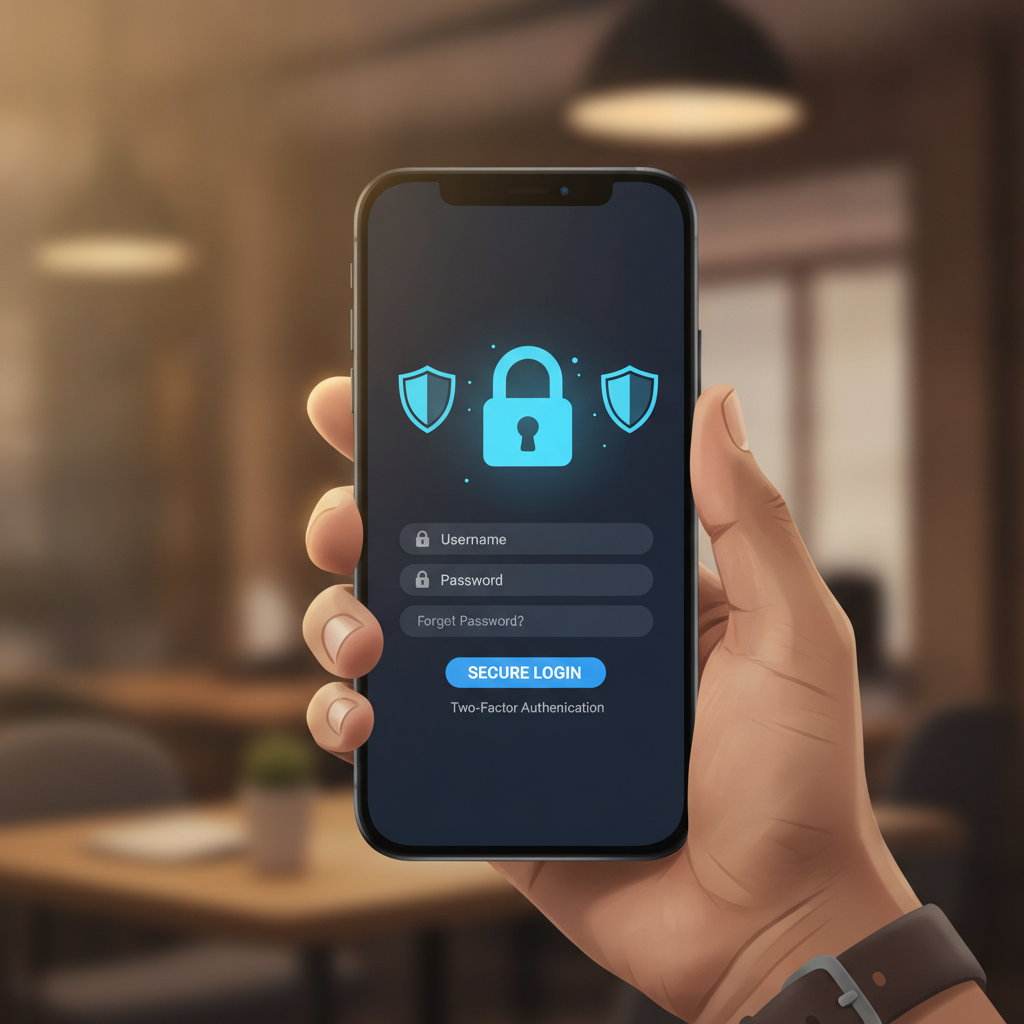
Where to Find the Official RK Elite Login Page on Mobile and Desktop
Logging into RK Elite is straightforward once you know where to look. Most Filipino players access the platform on mobile devices, so the login flow is optimized for Android phones and smaller screens.
On Mobile: Open your mobile browser—Chrome, Firefox, or Safari all work—and navigate to the official RK Elite website. You'll see a Login or Sign In button in the top-right corner of the homepage, usually marked with a small icon or text. Tap it once to open the login form.
Some players bookmark the RK Elite homepage on their phone's home screen for faster access. To do this, open the site in your browser, tap the menu (three dots), and select "Add to Home Screen." The next time you want to log in, tap the bookmark and then the login button.
On Desktop: If you're using a laptop or desktop computer, visit the RK Elite website through any browser. The Login button sits in the top-right corner of the page. Click it to bring up a login window or redirect you to the login page.
Avoid Fake Sites: Always double-check the web address before entering your details. Bookmark the official RK Elite site the first time you visit, and only log in through that bookmark. Phishing sites sometimes mimic casino login pages to steal usernames and passwords. If the URL looks unfamiliar or the page design seems off, close the tab and start again from your bookmark.
RK Elite does not currently have a standalone mobile app listed on Google Play Store. Players log in through the mobile browser version of the site, which works on Android phones and adjusts to your screen size automatically.
Entering Your Username and Password Correctly
The RK Elite login form asks for two pieces of information: your username (or registered email address or mobile number, depending on how you signed up) and your password.
Username Field: Type the exact username you chose during RK Elite registration. Some players register with their mobile number or email address instead of a custom username—if that's you, enter your phone number in the format +639XXXXXXXXX or your full email address. Watch for extra spaces before or after your username; those can cause login errors.
Password Field: Passwords are case-sensitive. If your password includes capital letters, numbers, or symbols, make sure you enter them exactly as you created them. Many login failures happen because of an accidental Caps Lock or a mistyped character.
If you're on mobile, your keyboard may auto-capitalize the first letter or suggest corrections. Turn off autocorrect for the password field if it keeps changing what you type. Most mobile browsers also offer a small eye icon next to the password field—tap it to reveal what you've typed and check for mistakes before submitting.
Stay Logged In Option: You may see a checkbox labeled "Remember Me" or "Keep me logged in." Ticking this box lets you skip login next time, as long as you're using the same device and browser. Only use this feature on your personal phone or computer. Never check "Remember Me" on a shared device, internet café, or borrowed phone.
Once both fields are filled, tap or click the Login button. RK Elite will verify your credentials and redirect you to your account dashboard, where you can see your balance, open games, and place bets.
What to Do If Login Fails or You See an Error Message
Login problems are common, especially for first-time users. Here's how to troubleshoot the most frequent issues:
"Incorrect Username or Password": This message means RK Elite couldn't match what you entered to an existing account. First, check that you typed your username and password correctly—no extra spaces, correct capitalization, and no typos. If you still can't log in, try resetting your password.
Forgot Password: On the login page, look for a Forgot Password or Reset Password link, usually below the login button. Tap it and follow the prompts. RK Elite will ask for your registered email address or mobile number, then send a password-reset link or one-time code. Check your inbox or SMS messages, click the link or enter the code, and create a new password. Make sure your new password is strong—at least eight characters, mixing letters, numbers, and symbols.
Account Locked or Suspended: If you see a message saying your account is locked, it's usually because of too many failed login attempts or a security flag. Wait 15–30 minutes and try again. If the problem continues, you'll need to contact RK Elite customer support through their live chat or email. They can verify your identity and unlock your account.
Browser or Cache Issues: Sometimes old cookies or cached data interfere with login. Clear your browser cache and cookies, then try logging in again. On Chrome mobile, go to Settings > Privacy > Clear Browsing Data, select "Cookies and site data" and "Cached images and files," then tap Clear. On desktop, open your browser settings and look for a similar privacy or history section.
Wrong Website: Double-check the URL. If you accidentally landed on a copycat or phishing site, your credentials won't work—and you risk exposing your details to scammers. Close the page and return to your bookmarked RK Elite link.
Network or Server Errors: Occasionally, RK Elite's servers may be under maintenance or experiencing high traffic. If you see a "503 Service Unavailable" or "Connection Timeout" error, wait a few minutes and refresh the page. Check your own internet connection—switch from mobile data to Wi-Fi or vice versa—to rule out connectivity problems on your end.
Tips for Keeping Your Login Credentials Secure
Protecting your RK Elite account starts with strong login habits. Filipino players often access casino sites on mobile data in public places, so security is especially important.
Use a Strong, Unique Password: Avoid simple passwords like "123456" or "password." Don't reuse the same password you use for GCash, Maya, or your email. A strong password mixes uppercase and lowercase letters, numbers, and symbols—for example, "Pba2024!Bet#". The longer and more random, the better.
Never Share Your Login Details: RK Elite staff will never ask for your password by email, SMS, or chat. If someone claiming to be from RK Elite requests your credentials, it's a scam. Legitimate support agents can help you without needing your password.
Log Out After Each Session: When you finish playing, tap the logout button (usually in the account menu or top-right corner). This is especially critical if you're using a shared or public device. Logging out ensures no one else can access your account and balance.
Enable Two-Factor Authentication (If Available): Some online platforms offer two-factor authentication (2FA) for extra security. Check your RK Elite account settings to see if this feature is available. With 2FA enabled, you'll need to enter a one-time code sent to your phone each time you log in from a new device.
Beware of Phishing Links: Scammers send fake SMS or Facebook messages pretending to be RK Elite, often claiming you've won a prize or need to verify your account. These messages include links to fake login pages. Never click login links in unsolicited messages. Always go directly to the RK Elite site through your browser bookmark.
Keep Your Device Secure: Set a lock screen PIN, password, or fingerprint lock on your phone. If your device is lost or stolen, a lock screen prevents strangers from opening your browser and accessing saved logins. Install security updates for your operating system and browser regularly.
Use a Password Manager: If remembering complex passwords is difficult, consider a password manager app like Bitwarden, LastPass, or 1Password. These tools generate strong passwords and store them securely, so you only need to remember one master password.
Monitor Your Account Activity
After logging in, take a moment to review your account activity. Most online casinos, including RK Elite, keep a record of recent logins, deposits, and bets. If you see login times or locations you don't recognize, change your password immediately and contact support.
Check your GCash, Maya, or bank transaction history regularly. If you spot any deposits or withdrawals you didn't authorize, report them right away. Catching suspicious activity early can prevent larger losses.
21+ and Responsible Gambling Reminder
RK Elite is for players aged 21 and over only. Online gambling should be entertainment, not a way to make money or solve financial problems. Set a budget for your deposits—most Filipino players start with PHP 100 to 500—and never bet more than you can afford to lose.
If you feel you're spending too much time or money on RK Elite, take a break. Many platforms offer self-exclusion tools or deposit limits in account settings. You can also reach out to responsible gambling organizations in the Philippines for confidential support.
Keep your login secure, play within your limits, and enjoy the games responsibly.